

1
Submit Audio for Transcription
After uploading your audio to a publicly accessible URL — either via Plaud’s File Upload API or your own storage — submit the URL to the Transcription API to kick off a transcription task.
2
Get Transcription Task
Use the
GET /transcription endpoint to poll the Transcription API for the task status.
On completion, the payload will include the transcribed data.Using the Transcription API
Prerequisites
- If you haven’t done so, retrieve your
client_idandapi_keyfrom the developer portal.
The
api_key is NOT your client_secret. Navigate to App Settings > API Keys.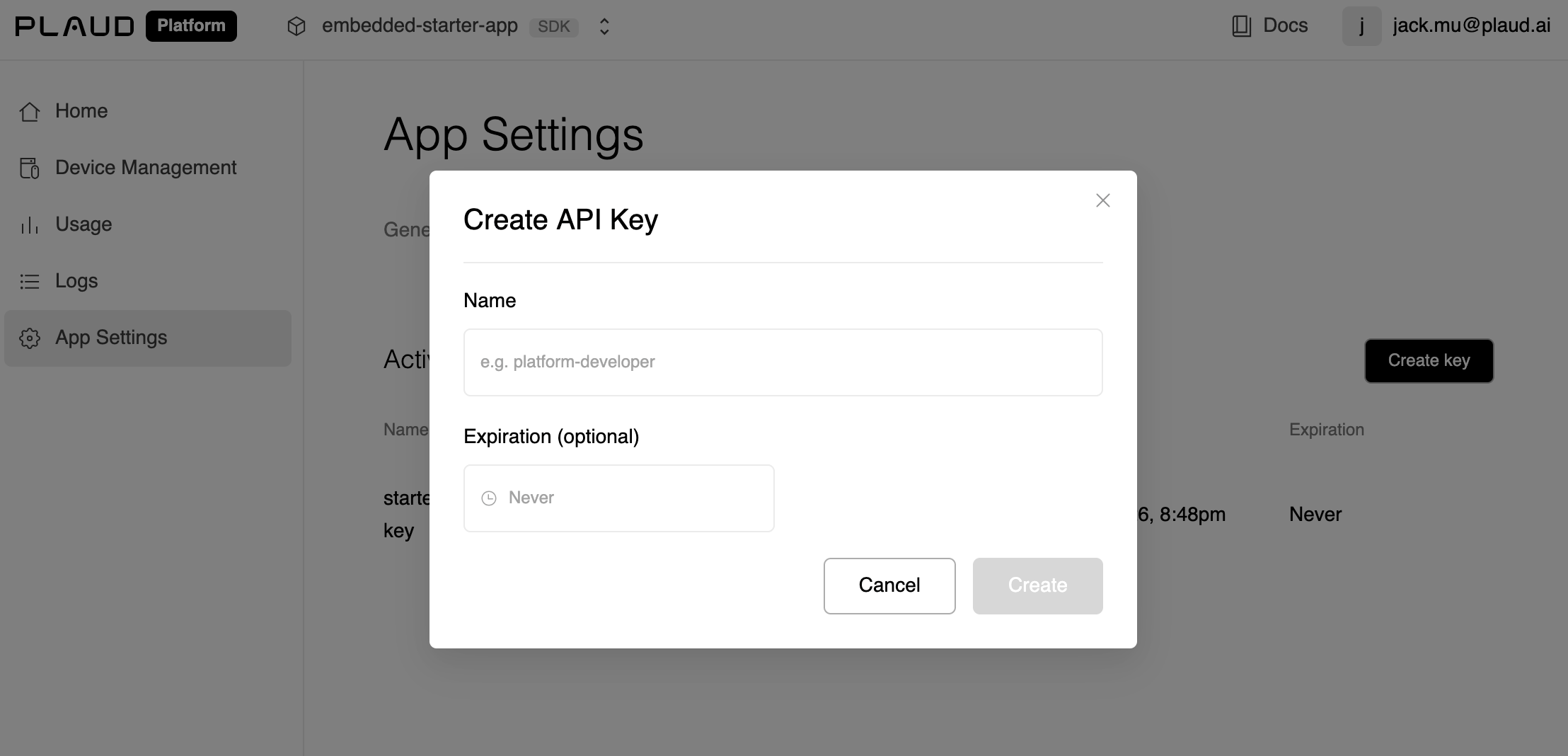
- Have a publicly available download URL with the audio file you’d like to transcribe.
This
file_url could be your cloud storage OR served through Plaud’s File Upload API if you prefer Plaud to host your files.Try the Plaud Embedded API Playground to see every step of the transcription process with your own client credentials.End-to-end, from authentication to recording audio to uploading to transcription.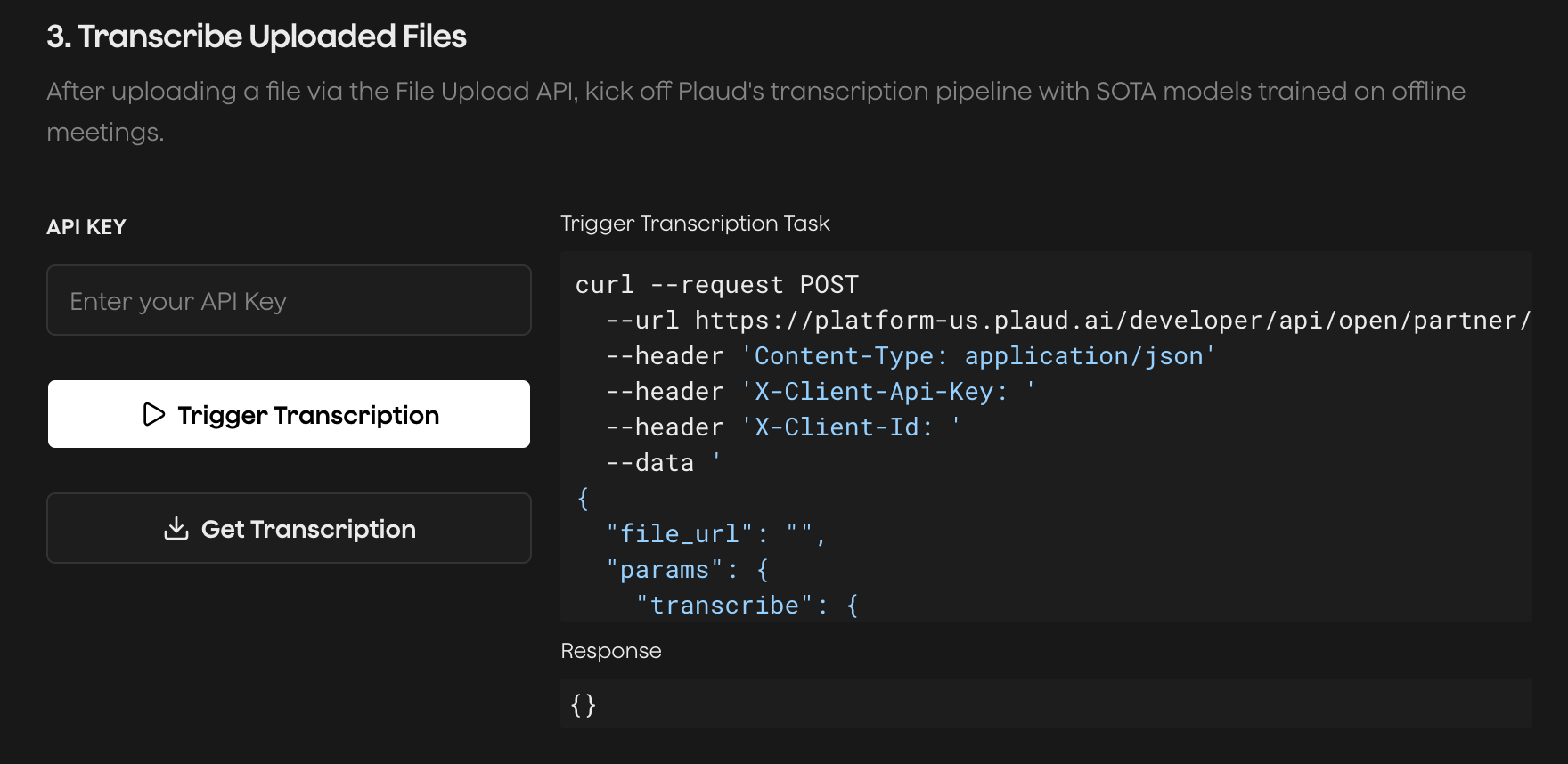
Submit File for Transcription
Submit a transcription task for Plaud Embedded’s transcription and ASR models to process.Recordings exceeding 5 hours should be broken into chunks and transcribed in parts.
Poll Transcription Task Until Completion
Check the status of your transcription task. On theSUCCESS status code, the transcript data will be included.
Plaud’s cloud services are hosted in the U.S. by default. If you’re
interested in multi-region hosting in Japan, Europe, and Singapore,
please reach out to our sales team.