

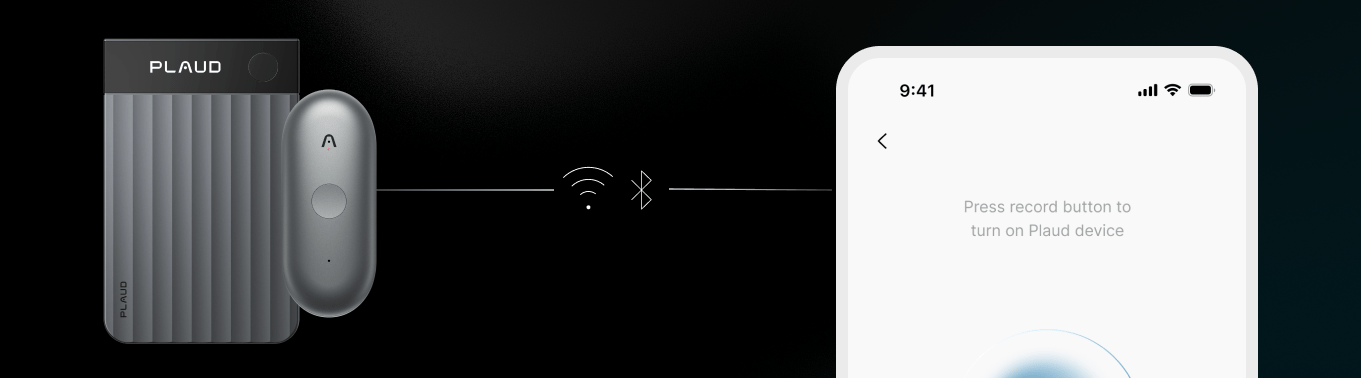
Embedded SDK
iOS & Android SDKs for linking your users’ Plaud devices to your mobile app

Transcription API
APIs to upload audio files and transcribe them with Plaud models
Try the Plaud Embedded Skill to have your coding agent guide you through the Plaud Embedded SDK and APIs.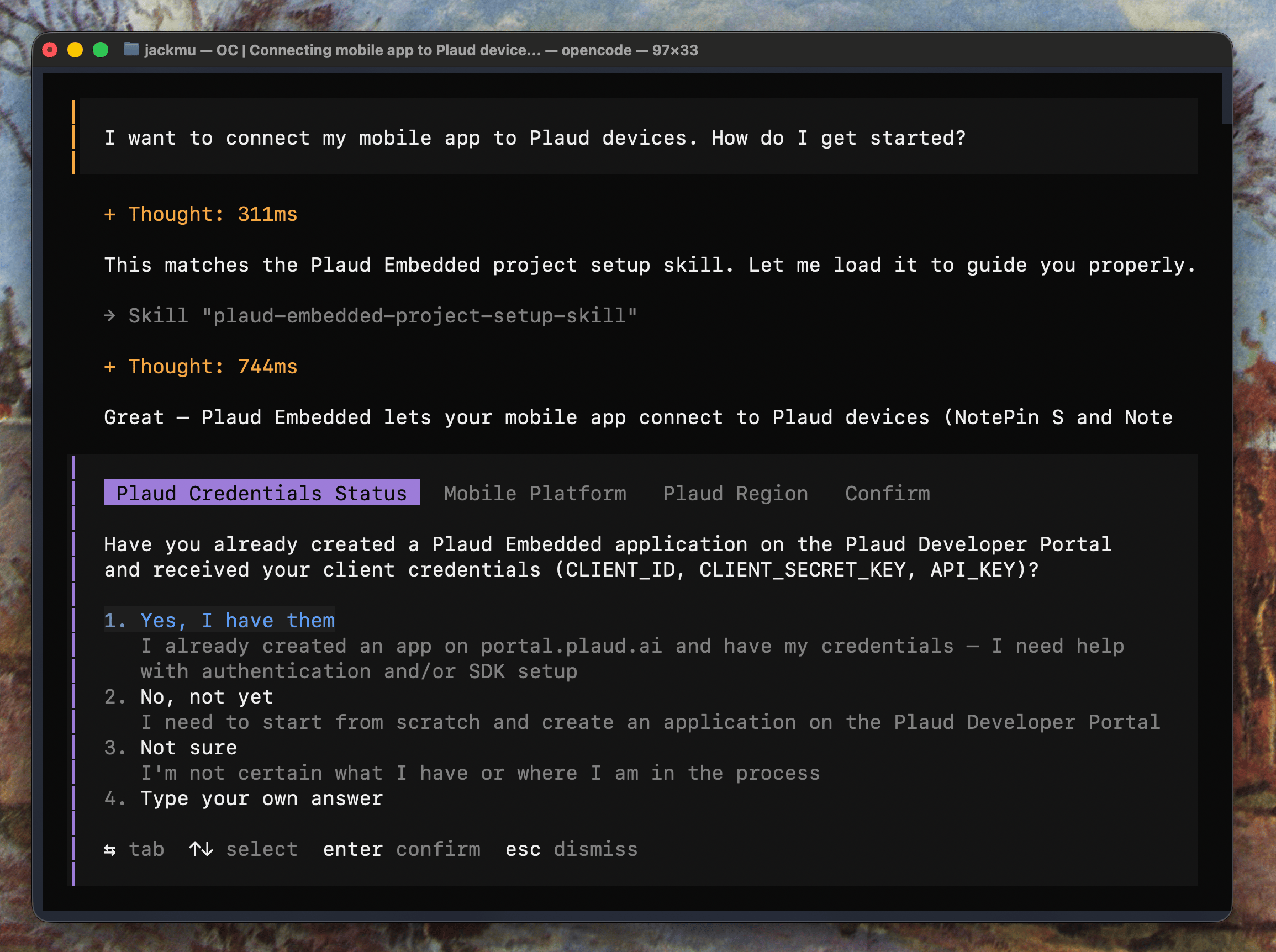
Onboard to the Plaud Developer Platform
Sign in to the Plaud Developer Portal (It’s completely free with a generous Connected Device limit and transcription usage). Create an Embedded SDK Application to receive your Client ID and Client Secret.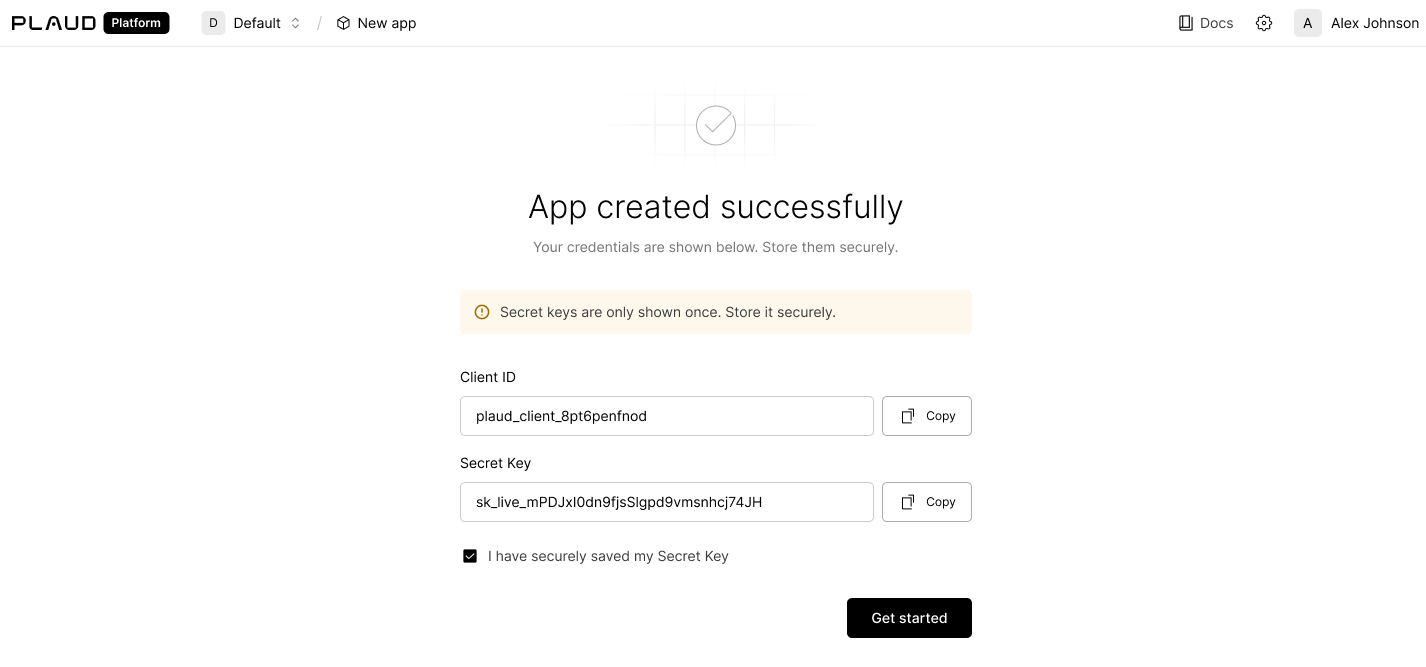
Create Your API Key
Your Client ID and Client Secret are used to generate User Tokens and link user devices. Your API Key will be used to interact with the Transcription API to transcribe audio files, using Plaud’s transcription pipeline to provide speech-to-text with noise reduction, language detection, speaker detection, and more. You can grab your API Key from your developer portal under App Settings > API Keys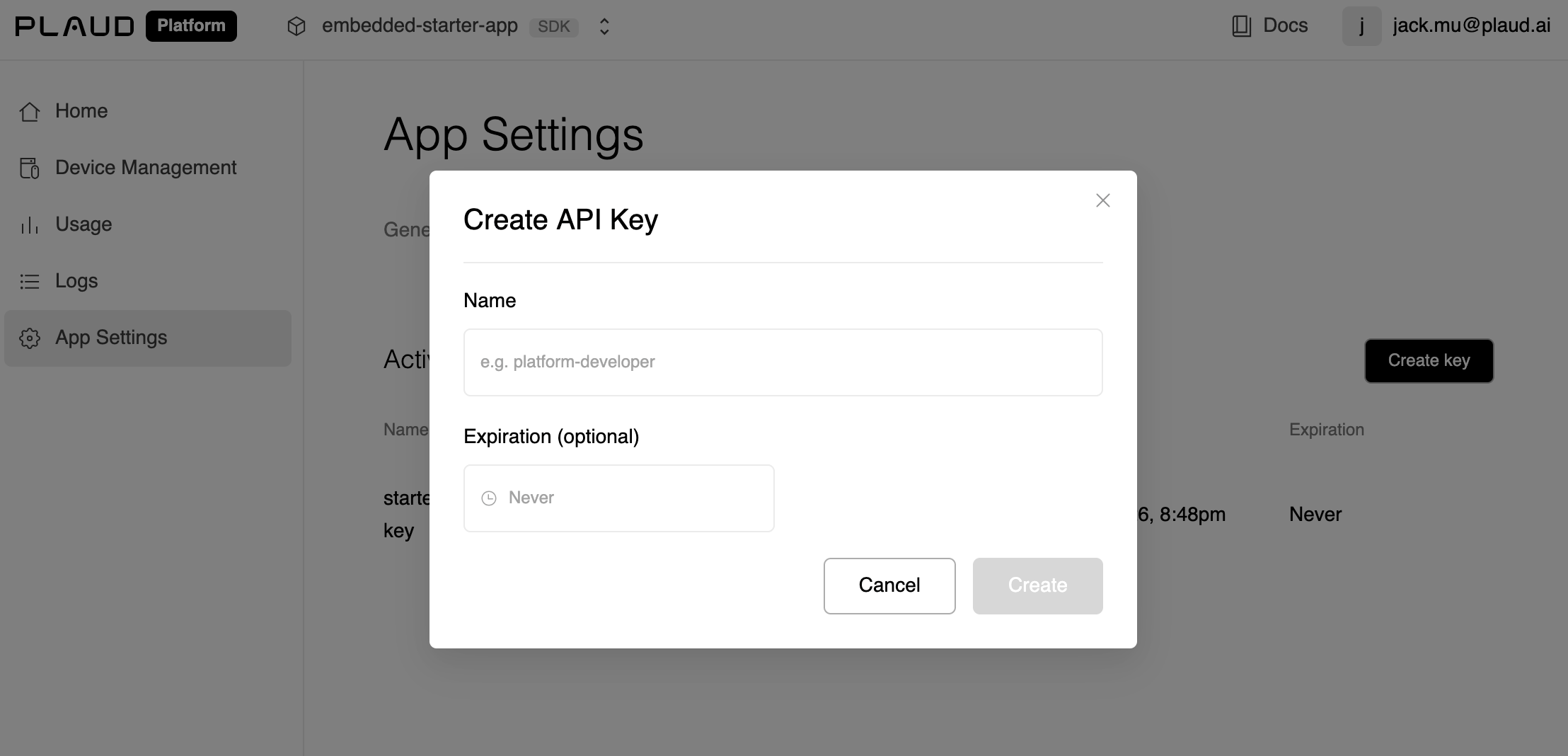
Ready to Build
If you want a walkthrough of how the SDKs and APIs fit together, read the How Plaud Embedded Works Guide.
Starter App
For new builders to build on top of our iOS template with the Embedded SDK pre-implemented (Also a great reference)
Embedded SDK
For developers ready to jump in and implement the Embedded SDK in their existing mobile app