

The End-to-End Flow
In general, integrating with Plaud Embedded end-to-end is done through the following steps:1
Provision Partner Tokens and User Tokens with the Authentication API
2
Use the Embedded SDK to bind your users' Plaud devices to your mobile app
3
Sync audio files from your users' Plaud device to your application using the Embedded SDK
4
(Optional) Upload files to Plaud's cloud storage
5
Trigger transcription tasks and retrieve processed transcripts with the Transcription API
Try the Plaud Embedded API Playground to see every step of the transcription process with your own client credentials.End-to-end, from authentication to recording audio to uploading to transcription.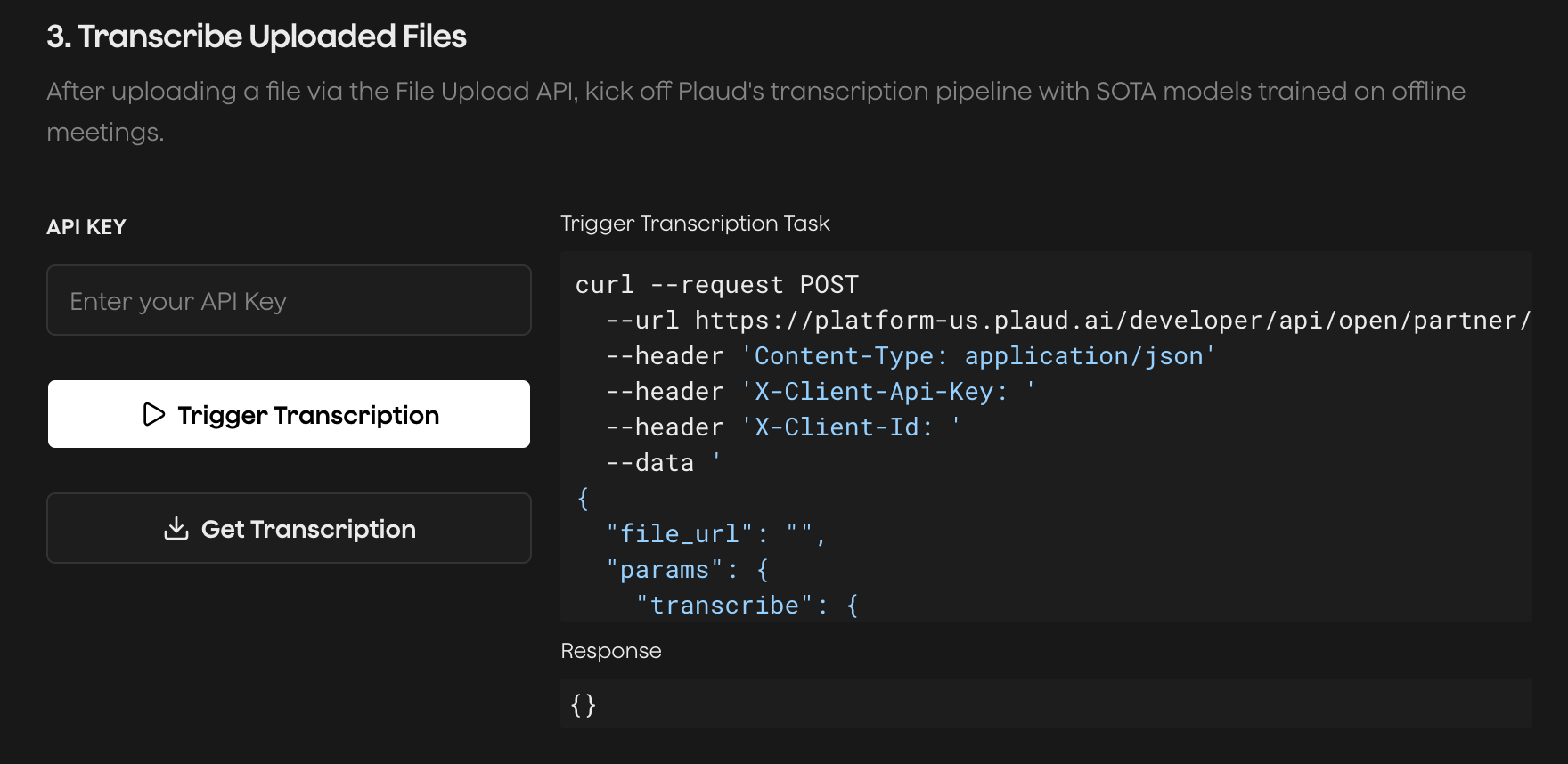
Retrieving Tokens and Authenticating
Plaud Embedded’s SDK and APIs have two different authentication methods to be aware of:- User Token - user-level tokens with your user’s unique ID and minted with a Partner Token
- Client ID & API Key - used for the Transcription API
A Partner Token is an application-level token. A single Partner Token can mint multiple User Tokens.Use the Authentication APIs to retrieve your Partner Tokens and mint User Tokens.
Exchanging client credentials for Partner Token
Minting User Token
Binding Plaud Devices to Your Mobile App
Binding Plaud Devices is the process of linking your users’ Plaud device to your mobile application. The reason we use the term “bind” is because devices can only be linked to one application at a time. When your application binds to your users’ Plaud devices, your partner/user credentials are used for encrypting, decrypting, and syncing your users’ data with your app. This is how your users’ data is kept secure and only syncs data with your application (not just any Plaud Embedded application).Binding to Plaud devices using the Embedded SDK
Syncing Files from Plaud Device to Your Mobile App
Plaud devices have their own storage and audio is stored on-device while recording. After a recording is finished, you must sync audio files from your users’ Plaud device to their mobile app. This can be done via Bluetooth Low Energy (BLE) or WiFi Fast Transfer.WiFi Fast Transfer is ~10x faster. It works by opening a hotspot connection between your Plaud device and your users’ phone. WiFi Fast Transfer requires the HotSpot Entitlement when configuring your iOS app
Syncing files with BLE and WiFi Fast Transfer
(Optional) Uploading Files Using the File Upload API
The Transcription API accepts any publicly accessible audio URL. You can host your files on your own storage, or use Plaud’s File Upload API. If you choose to use Plaud’s managed S3 storage, the upload is done in 3 steps:- Generating presigned upload URLs to Plaud’s S3 storage
- Uploading your audio files to the presigned upload URLs in chunks
- Sending the chunk information to complete the multipart upload
Generating presigned upload URLs
Uploading chunks to presigned storage URLs
Completing upload with the part mappings
Triggering and Pulling Transcriptions from the Transcriptions API
The Transcription API allows you to transcribe any file uploaded to Plaud’s storage in an asynchronous way.- Trigger a transcription task - behind the scenes, Plaud is running your uploaded audio file through noise reduction, speaker detection, language recognition, and other speech-to-text pipeline steps
- Poll transcription status - use the Transcription API to check the status of a task, and on the
SUCCESSstatus, the transcription data will be available.
Submit a transcription task
Check and retrieve transcription
Starter App
For new builders to build on top of our iOS template with the Embedded SDK pre-implemented (Also a great reference)
Embedded SDK
For developers ready to jump in and implement the Embedded SDK in their existing mobile app