

The Transcription API accepts any publicly accessible audio URL.This File Upload API is optional. You can host your audio files on your own storage if you prefer.
1
Generate Presigned URLs
Using the
POST /generate-presigned-urls endpoint, Plaud will send an array of pre-signed S3 upload endpoints for you to upload your users’ audio filesYou must send <
ChunkSize of data to each PresignedUrl.2
Upload Each Chunk
PUT the raw bytes of each chunk directly to its presigned S3 URL (no auth needed), then read the ETag (Entity Tag) response header for each part.3
Complete the Upload
Send your list of
ETags to the POST /complete-upload endpoint to receive your file’s DownloadUrlUsing the File Upload API
Prerequisites
The File Upload API authenticates with a User Token. Use the Authentication API if you don’t have a User Token or need a new one.Try the Plaud Embedded API Playground to see every step of the transcription process with your own client credentials.End-to-end, from authentication to recording audio to uploading to transcription.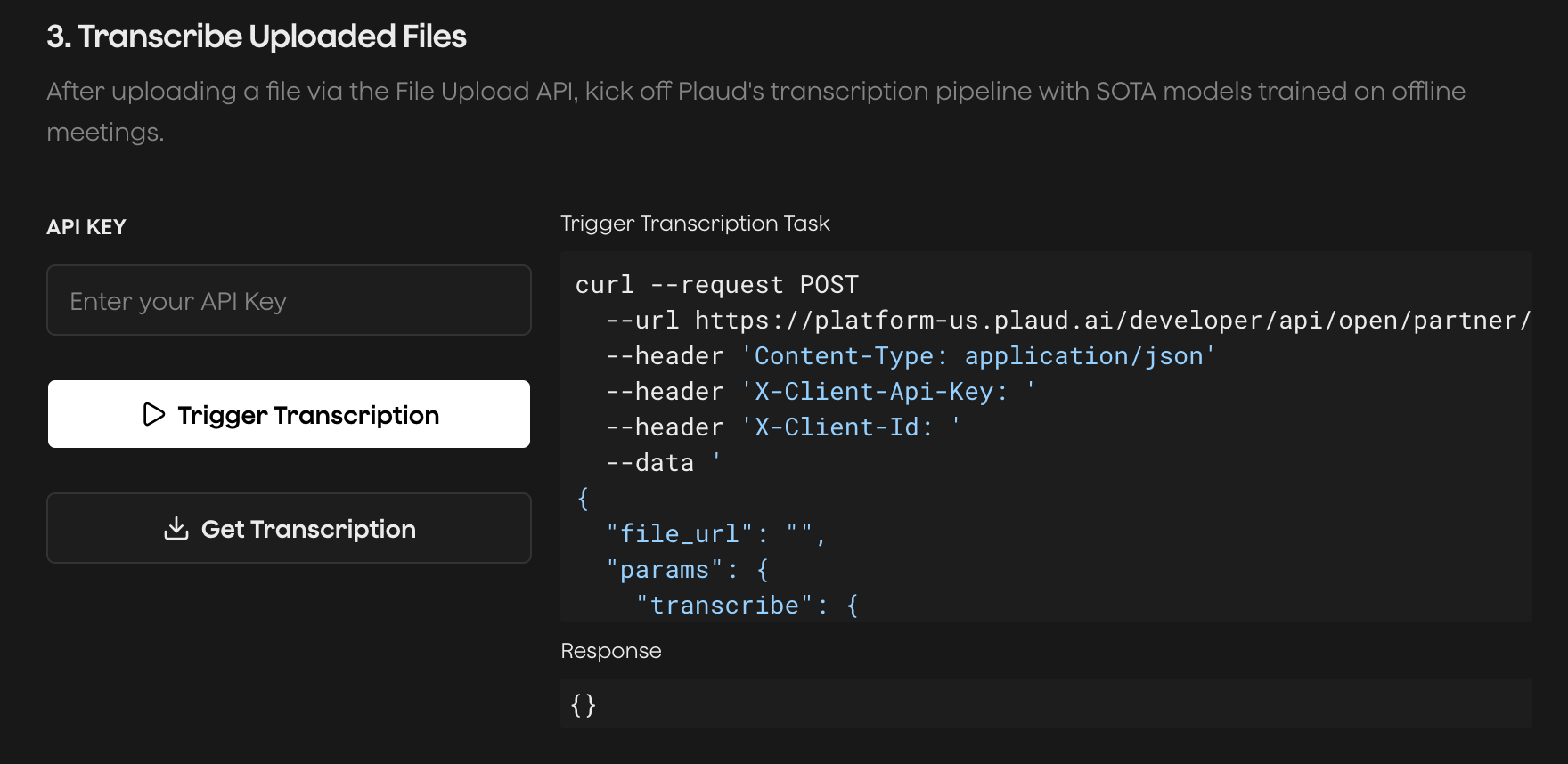
Generate Presigned Upload URLs
Request presigned S3 URLs for a multipart upload from Plaud’s API. The number of presigned URLs will depend on your file size.Upload Each Chunk to S3
For each part,PUT up to the ChunkSize of raw bytes (5MB) to its PresignedUrl. These AWS S3 calls are presigned thus no authentication is needed.
Keep the
ETag (Entity Tags) found in the response headers from each PUT call. These are needed in POST /complete-upload.ETag header for that part:
Complete the Multipart Upload
Submit the:file_idfrom the first stepupload_idfrom the first step- Array of
ETagwith its correspondingPartNumberfrom the second step
DownloadUrl is valid for 24 hours. Pass it as file_url to the Transcription API to transcribe your file!
Plaud’s cloud services are hosted in the U.S. by default. If you’re
interested in multi-region hosting in Japan, Europe, and Singapore,
please reach out to our sales team.