

- Partner Token - This is an application-level token you can use to authenticate all of your users.
- User Token - This is a user-level token used to authenticate their device to your mobile app using the Embedded SDK.
Using the Authentication API
Prerequisites
Use Plaud’s Authentication APIs to retrieve your Partner Token and User Token using your app’sclient_id and client_secret found in the developer portal.
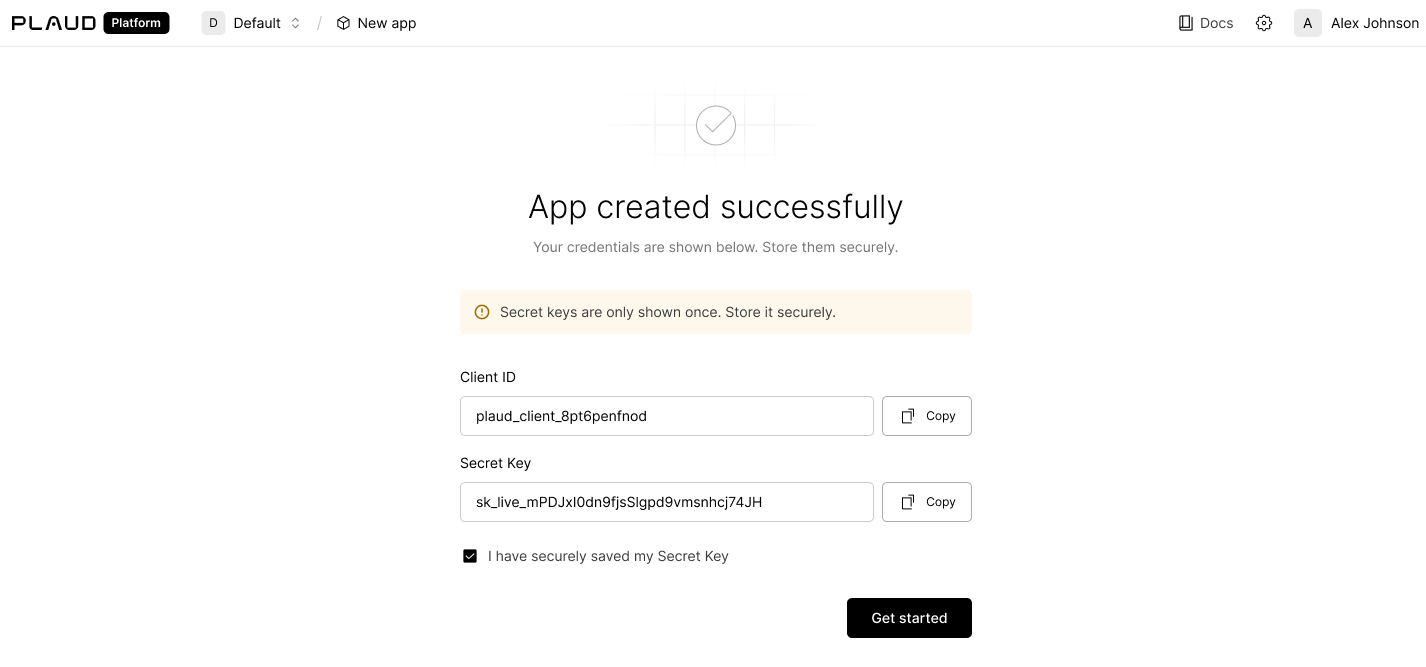
Try the Plaud Embedded API Playground to see every step of the transcription process with your own client credentials.End-to-end, from authentication to recording audio to uploading to transcription.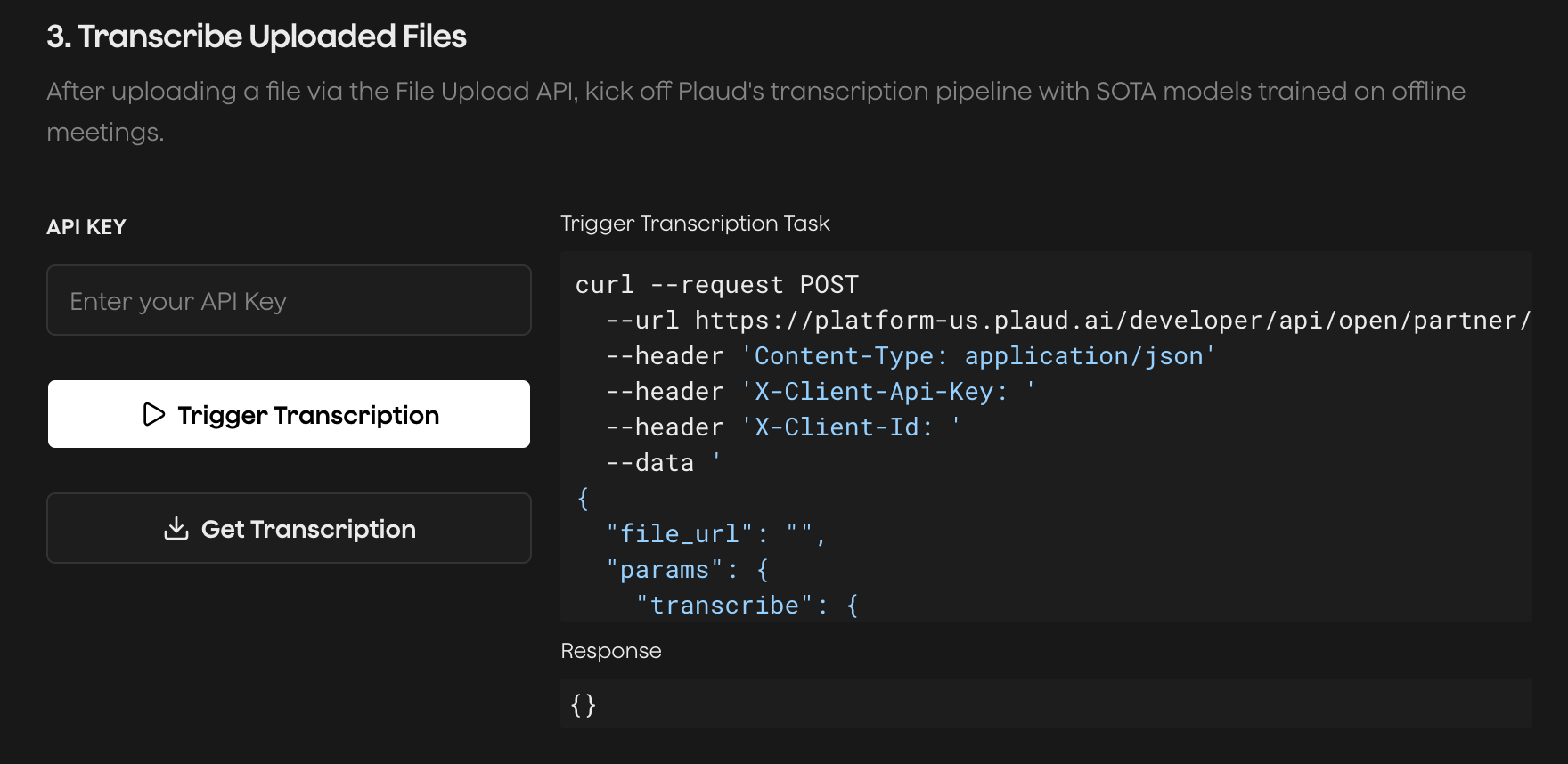
Exchange Credentials for a Partner Token
The Partner Token is an application-level token to issue user-level tokens.Mint a User Token with Your Partner Token
The User Token is a user-specific token. This token will be used in the Embedded SDK to bind to your users’ devices and upload files.Plaud’s cloud services are hosted in the U.S. by default. If you’re
interested in multi-region hosting in Japan, Europe, and Singapore,
please reach out to our sales team.