> ## Documentation Index
> Fetch the complete documentation index at: https://docs.plaud.ai/llms.txt
> Use this file to discover all available pages before exploring further.
# Starter App Specs
> A fully built-out mobile app with Plaud Embedded's SDK and API.
## Full Starter App
The starter app is a production-ready template with the Plaud Embedded SDK and Transcription API integrated.
* **If you don't currently have a mobile app**, use the Starter App as a template
* **If you have an existing mobile app**, use the Starter App as a reference to integrate the [iOS Embedded SDK](/plaud-embedded/ios-sdk) with your existing mobile app
Get started setting up the Starter App with our [Starter App guide](/plaud-embedded/starter-app-guide) and [GitHub Repo](https://github.com/plaud-ai/plaud-template-app)
 ## What's included
The starter app ships with these prebuilt screens and components:
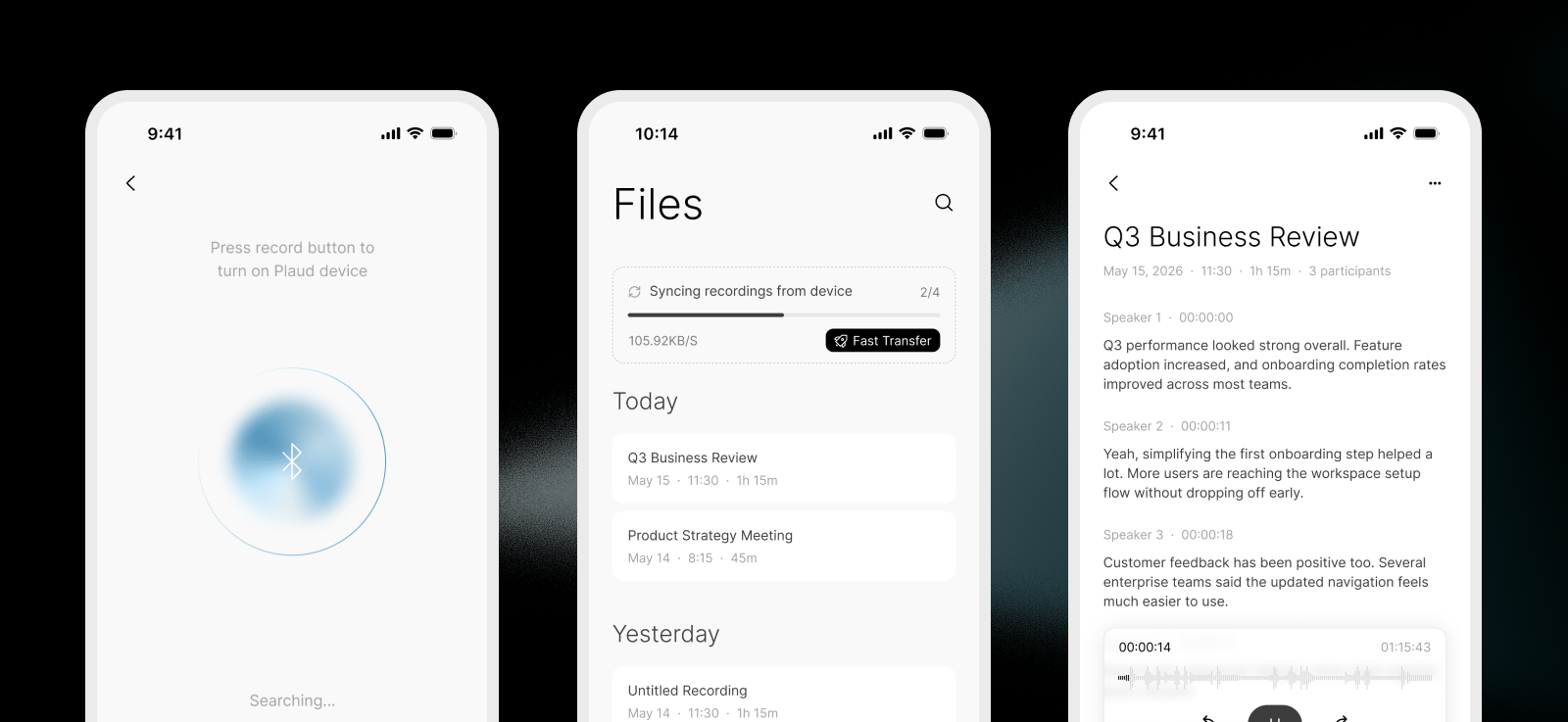
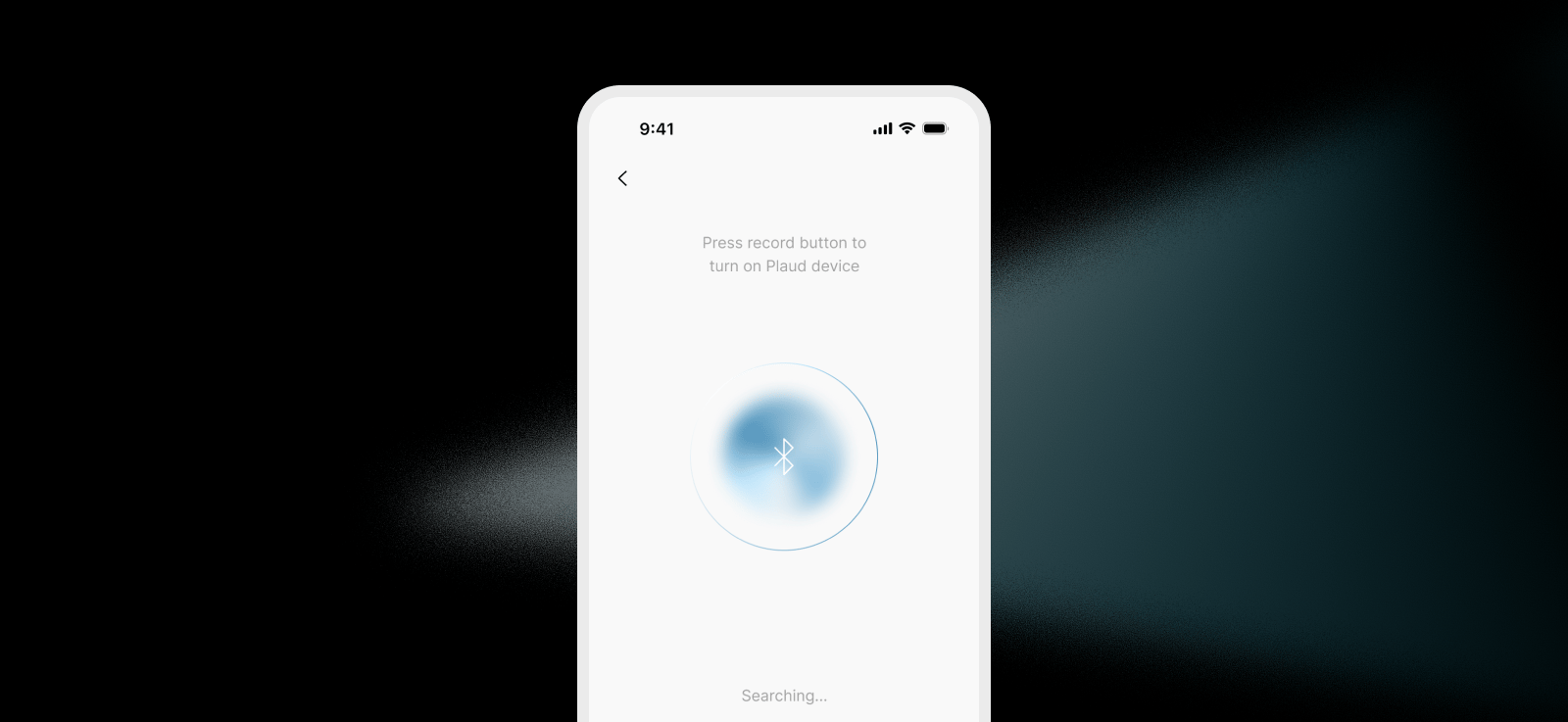
### Onboarding
Full device pairing flow from launch to first connection:
* Welcome screen
* Bluetooth scanning
* Device discovery and selection
* Connection and secure device binding
* Multi-device support (NotePin and Note Pro / Note)
## What's included
The starter app ships with these prebuilt screens and components:
### Onboarding
Full device pairing flow from launch to first connection:
* Welcome screen
* Bluetooth scanning
* Device discovery and selection
* Connection and secure device binding
* Multi-device support (NotePin and Note Pro / Note)
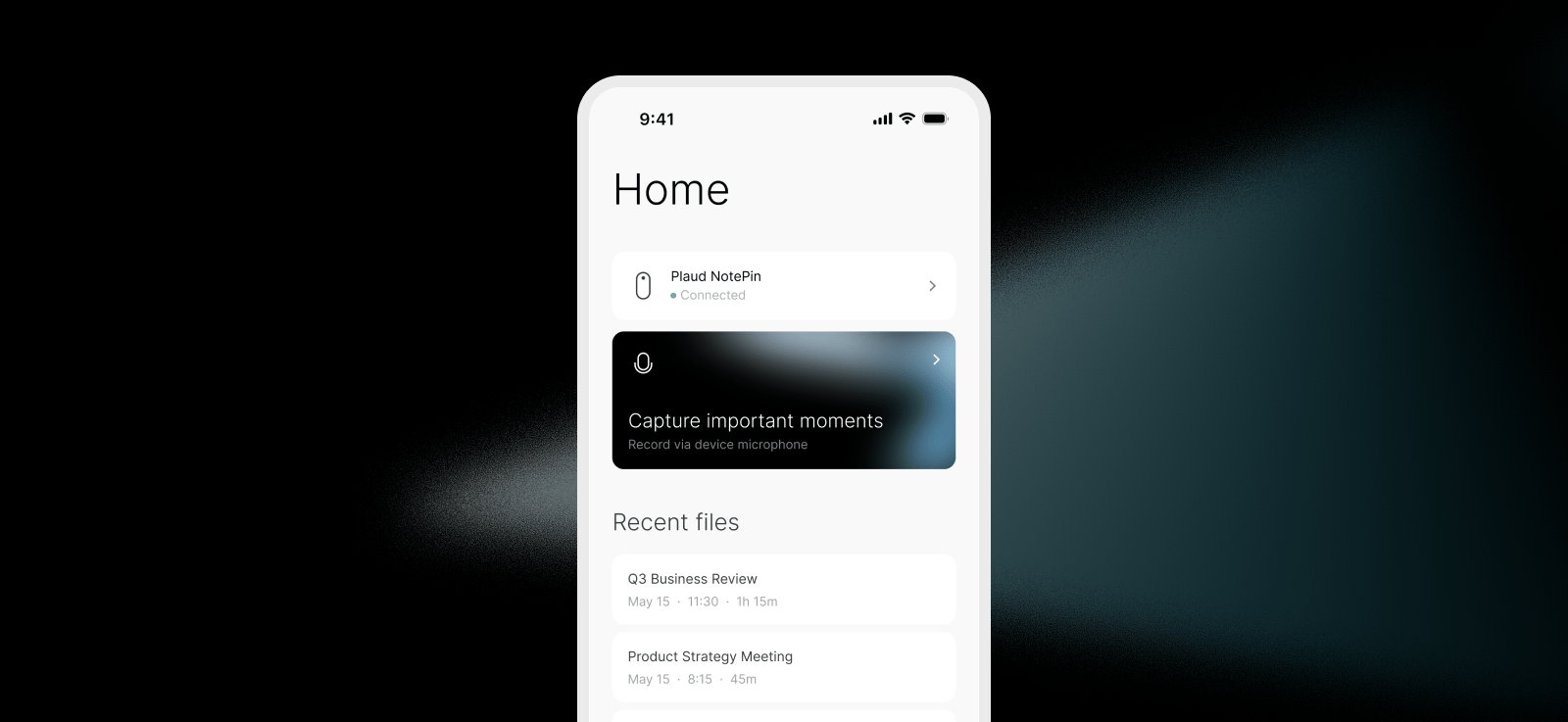
 ### Home
Main dashboard after pairing, with quick access to core actions:
* Home screen with connected device status
* Recording in progress state
* Record screen
### Home
Main dashboard after pairing, with quick access to core actions:
* Home screen with connected device status
* Recording in progress state
* Record screen
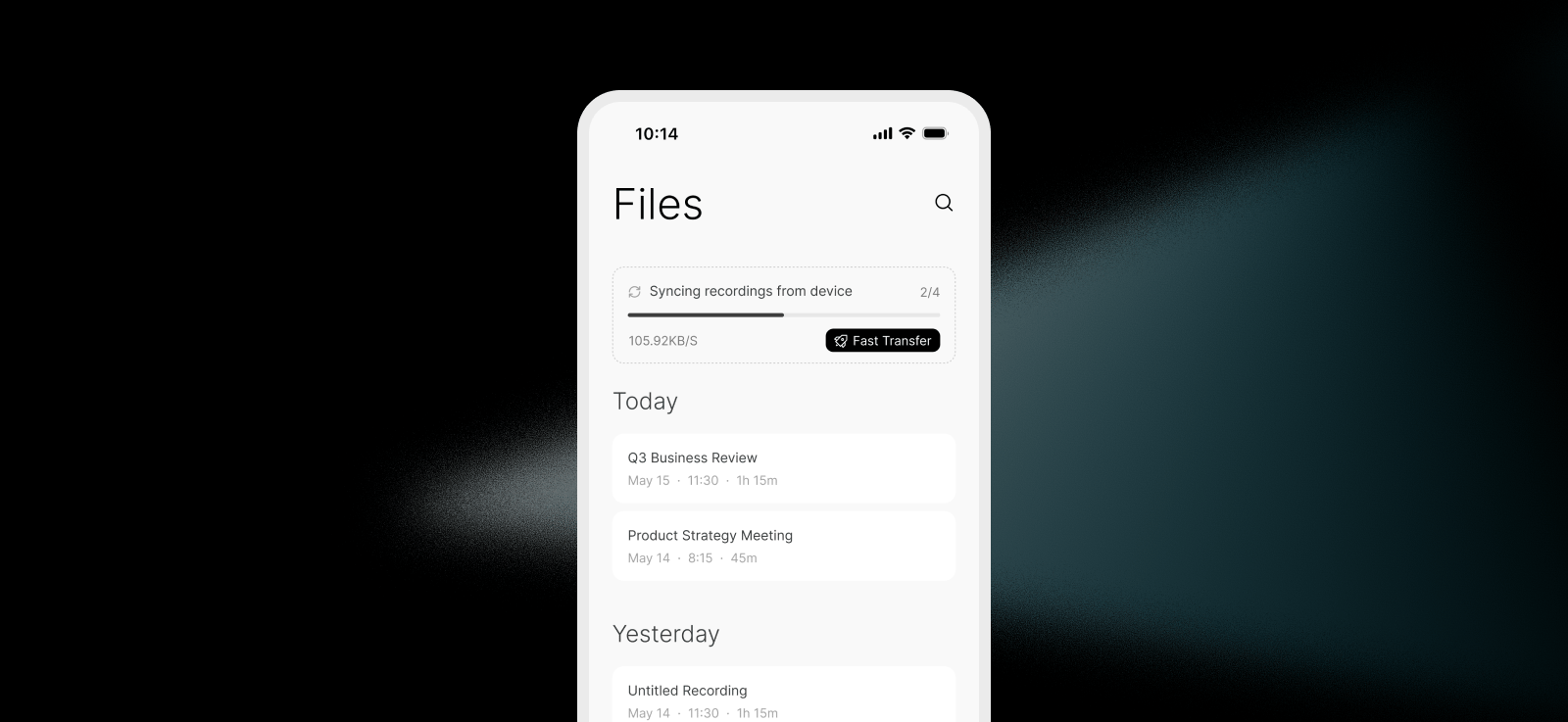
 ### Files
Browse and manage all recordings synced from the device:
* File list with recording metadata
* Fast transfer modal for bulk sync
* File actions (more modal)
### Files
Browse and manage all recordings synced from the device:
* File list with recording metadata
* Fast transfer modal for bulk sync
* File actions (more modal)
 ### Recording detail
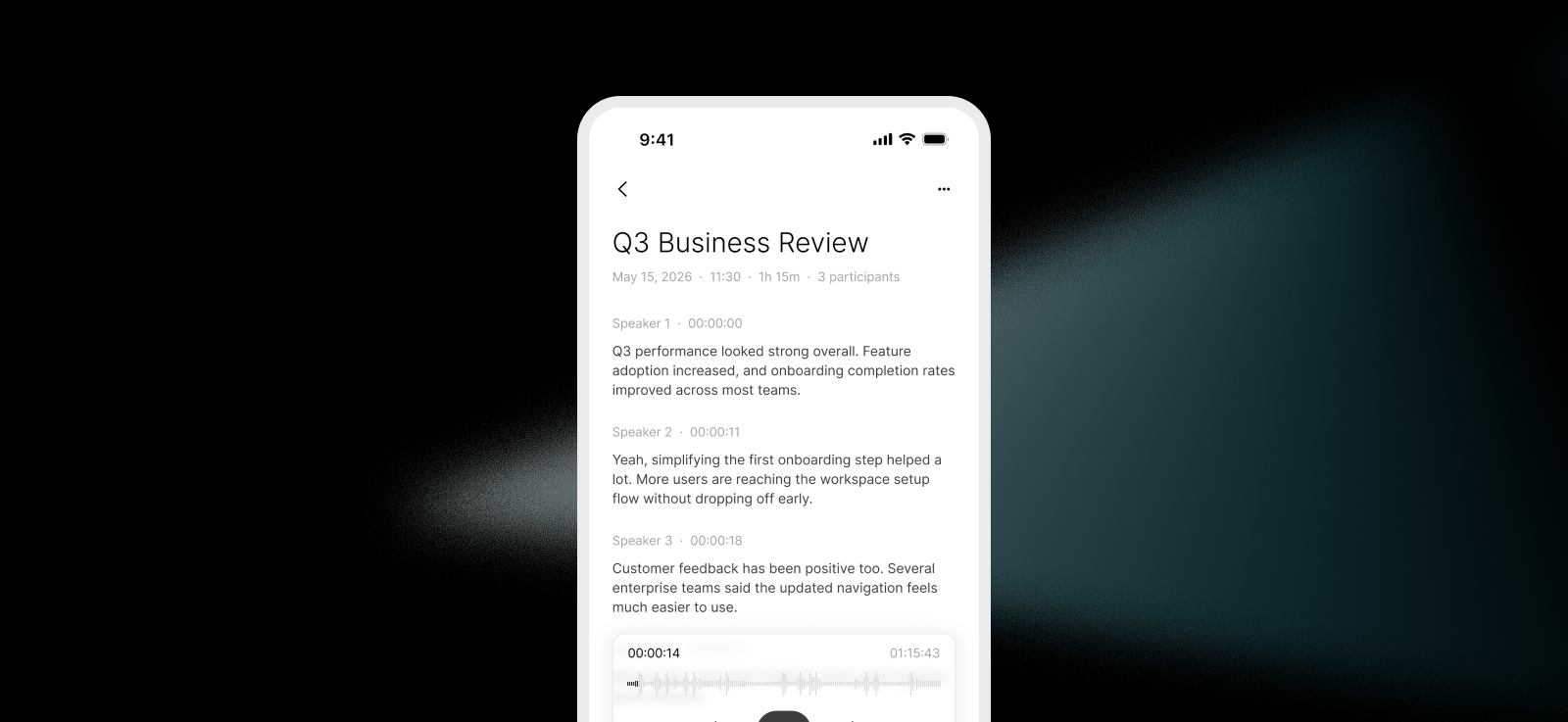
Full detail view for each recording with three sections:
* **Transcription** — Full transcript with speaker labels
* **Activity** — Recording timeline and events
### Recording detail
Full detail view for each recording with three sections:
* **Transcription** — Full transcript with speaker labels
* **Activity** — Recording timeline and events
 ### Device management
Per-device controls and status screens:
* Device detail with battery, charging, and firmware states
* Manage device screen
* No devices connected state
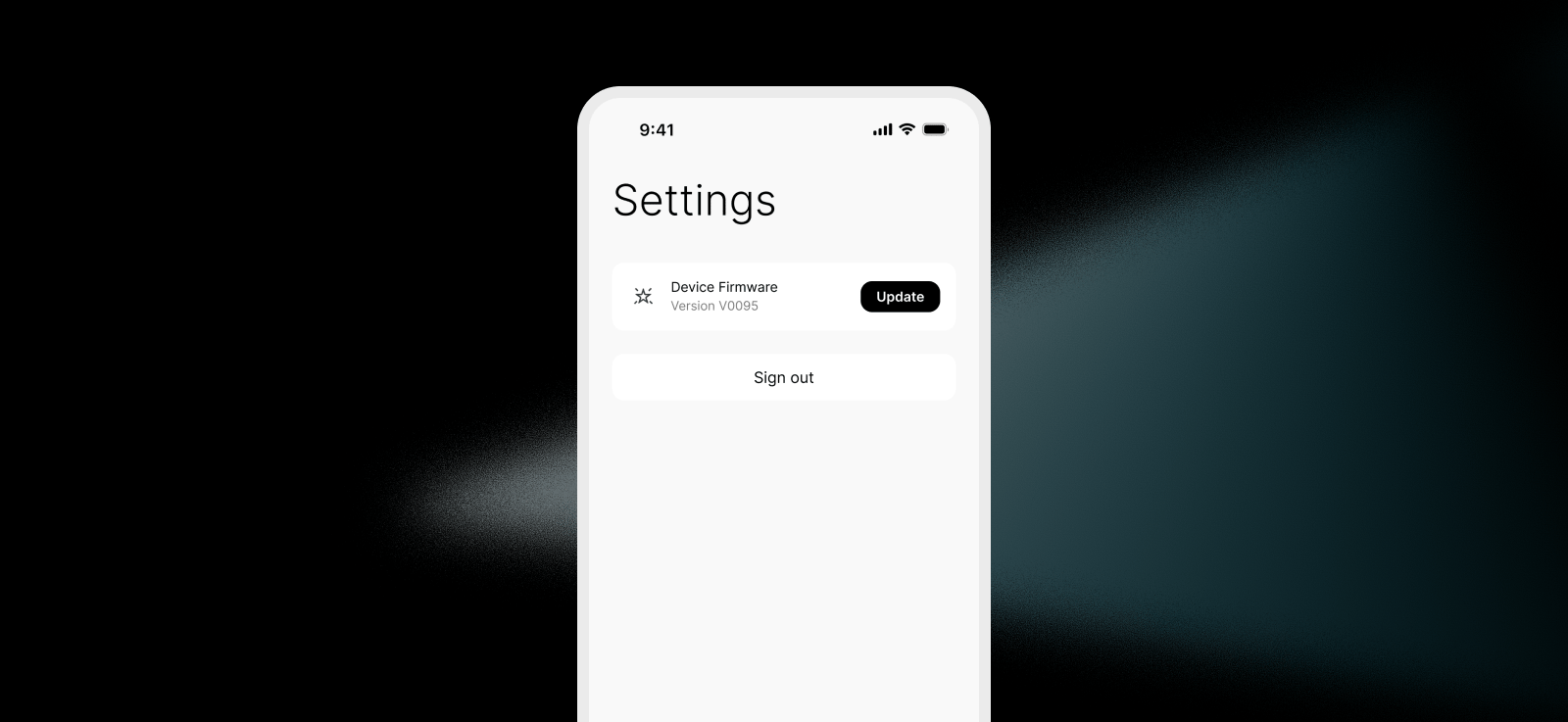
### Settings:
Logout and Plaud device firmware updates:
* Firmware update flow
### Device management
Per-device controls and status screens:
* Device detail with battery, charging, and firmware states
* Manage device screen
* No devices connected state
### Settings:
Logout and Plaud device firmware updates:
* Firmware update flow