> ## Documentation Index
> Fetch the complete documentation index at: https://docs.plaud.ai/llms.txt
> Use this file to discover all available pages before exploring further.
# File Upload API
> Upload your user's conversation audio to Plaud storage and get a download URL to pass to the Transcription API.
The [Transcription API](/plaud-embedded/transcription-api-overview) accepts any publicly accessible audio URL.
**This File Upload API is optional**. You can host your audio files on your own storage if you prefer.
The File Upload API uploads audio files from your users' mobile apps to Plaud storage. Once files are uploaded, these files can be passed to the [Transcription API](/plaud-embedded/transcription-api-overview) to take advantage of Plaud's transcription and ASR models.
Using the `POST /generate-presigned-urls` endpoint, Plaud will send an array of pre-signed S3 upload endpoint for you to upload your users' audio files
You must send **\<`ChunkSize`** of data to each `PresignedUrl`.
`PUT` the raw bytes of each chunk directly to its presigned S3 URL (no auth needed), then read the `ETag` (Entity Tag) response header for each part.
Send your list of `ETag`s to the `POST /complete-upload` endpoint to receive your file's `DownloadUrl`
## Using the File Upload API
## Prerequisites
The File Upload API authenticates with a **User Token**. Use the [Authentication API](/plaud-embedded/auth-api-overview) if you don't have a User Token or need a new one.
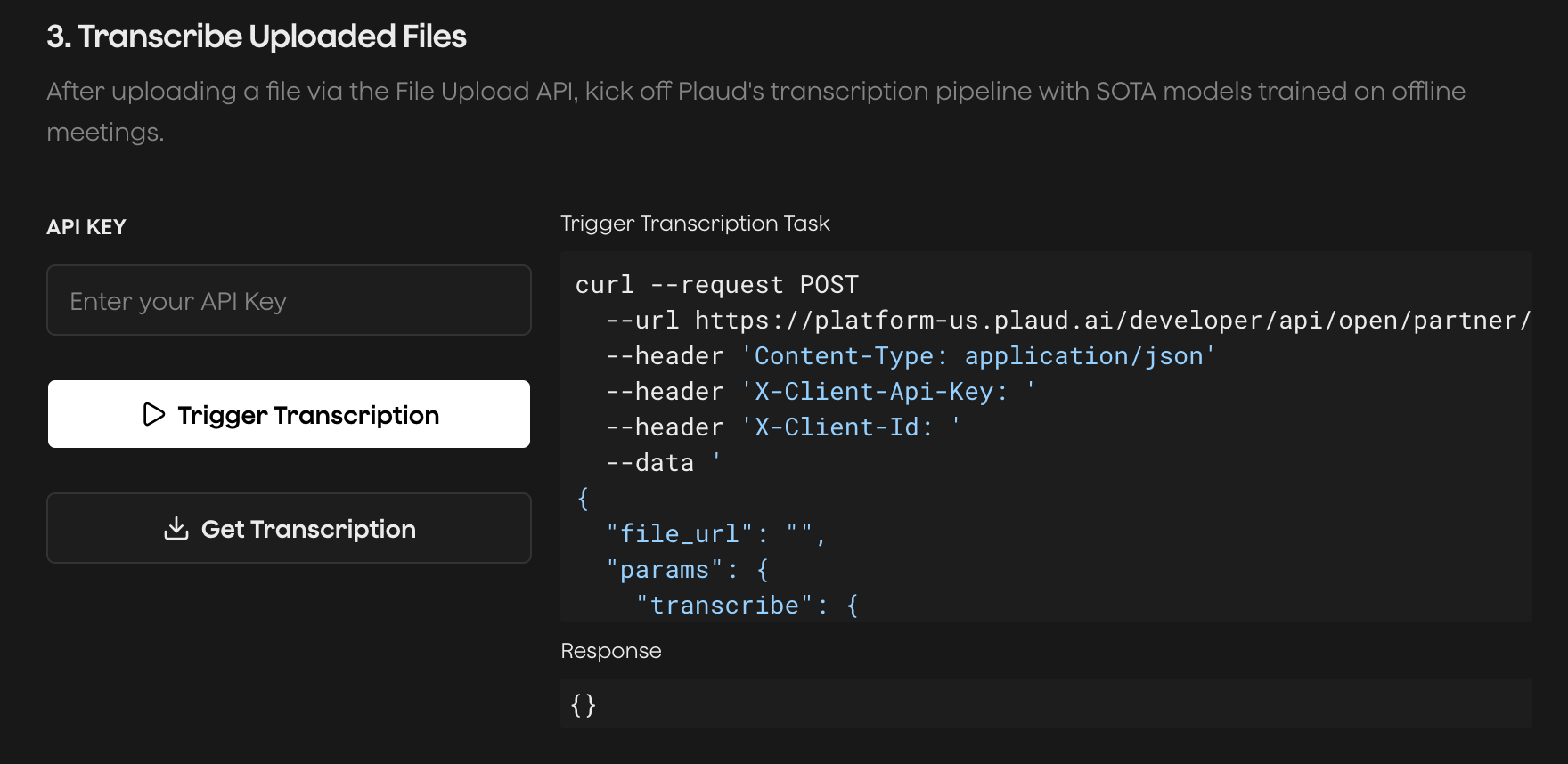
Try the [Plaud Embedded API Playground](https://plaud-embedded-playground.vercel.app/) to see every step of the transcription process with your own client credentials.
End-to-end, from **authentication** to **recording audio** to **uploading** to **transcription**.
 ## Find Your Region
The File Upload API is served with Plaud's **region-level** API services. There is no global host for these calls; pick the host of the region your client was provisioned in when using the File Upload API.
| Region | Public host | Status |
| --------- | ------------------------------------ | ----------- |
| US | `platform-us.plaud.ai/developer/api` | Available |
| Japan | `platform-jp.plaud.ai/developer/api` | Available |
| Europe | `platform-eu.plaud.ai/developer/api` | Coming soon |
| Singapore | `platform-sg.plaud.ai/developer/api` | Coming soon |
### Generate Presigned Upload URLs
Request presigned S3 URLs for a multipart upload from Plaud's API. The number of presigned URLs will depend on your file size.
```http theme={"system"}
POST [REGION_SPECIFIC_HOST]/open/partner/files/upload/generate-presigned-urls
Content-Type: application/json
Authorization: Bearer
{
"filesize": 10485760,
"filetype": "mp3"
}
```
```json theme={"system"}
{
"FileId": "file_xxx",
"UploadId": "upload_xxx",
"ChunkSize": 5242880,
"Parts": [
{ "PartNumber": 1, "PresignedUrl": "https://plaud-bucket.s3.amazonaws.com/..." },
{ "PartNumber": 2, "PresignedUrl": "https://plaud-bucket.s3.amazonaws.com/..." }
]
}
```
### Upload Each Chunk to S3
For each part, `PUT` up to the `ChunkSize` of raw bytes (5MB) to its `PresignedUrl`. These AWS S3 calls are presigned thus no authentication is needed.
Keep the `ETag` (Entity Tags) found in the response headers from each `PUT` call. These are needed in `POST /complete-upload`.
```http theme={"system"}
PUT [PresignedUrl]
[raw bytes of chunk]
```
The S3 response includes the `ETag` header for that part:
```http theme={"system"}
ETag: "abc123..."
```
### Complete the Multipart Upload
Submit the:
1. `file_id` from the first step
2. `upload_id` from the first step
3. Array of `ETag` with its corresponding `PartNumber` from the second step
```http theme={"system"}
POST [REGION_SPECIFIC_HOST]/open/partner/files/upload/complete-upload
Content-Type: application/json
Authorization: Bearer
{
"file_id": "file_xxx",
"upload_id": "upload_xxx",
"part_list": [
{ "PartNumber": 1, "ETag": "\"abc123...\"" },
{ "PartNumber": 2, "ETag": "\"def456...\"" }
],
"filetype": "mp3",
"file_md5": "9e107d9d372bb6826bd81d3542a419d6"
}
```
```json theme={"system"}
{
"FileId": "file_xxx",
"FileType": "mp3",
"DownloadUrl": "https://plaud-bucket.s3.amazonaws.com/...",
"FileMd5": "9e107d9d372bb6826bd81d3542a419d6"
}
```
The returned `DownloadUrl` is valid for **24 hours**. Pass it as `file_url` to the [Transcription API](/plaud-embedded/transcription-api-overview) to transcribe your file!
## Find Your Region
The File Upload API is served with Plaud's **region-level** API services. There is no global host for these calls; pick the host of the region your client was provisioned in when using the File Upload API.
| Region | Public host | Status |
| --------- | ------------------------------------ | ----------- |
| US | `platform-us.plaud.ai/developer/api` | Available |
| Japan | `platform-jp.plaud.ai/developer/api` | Available |
| Europe | `platform-eu.plaud.ai/developer/api` | Coming soon |
| Singapore | `platform-sg.plaud.ai/developer/api` | Coming soon |
### Generate Presigned Upload URLs
Request presigned S3 URLs for a multipart upload from Plaud's API. The number of presigned URLs will depend on your file size.
```http theme={"system"}
POST [REGION_SPECIFIC_HOST]/open/partner/files/upload/generate-presigned-urls
Content-Type: application/json
Authorization: Bearer
{
"filesize": 10485760,
"filetype": "mp3"
}
```
```json theme={"system"}
{
"FileId": "file_xxx",
"UploadId": "upload_xxx",
"ChunkSize": 5242880,
"Parts": [
{ "PartNumber": 1, "PresignedUrl": "https://plaud-bucket.s3.amazonaws.com/..." },
{ "PartNumber": 2, "PresignedUrl": "https://plaud-bucket.s3.amazonaws.com/..." }
]
}
```
### Upload Each Chunk to S3
For each part, `PUT` up to the `ChunkSize` of raw bytes (5MB) to its `PresignedUrl`. These AWS S3 calls are presigned thus no authentication is needed.
Keep the `ETag` (Entity Tags) found in the response headers from each `PUT` call. These are needed in `POST /complete-upload`.
```http theme={"system"}
PUT [PresignedUrl]
[raw bytes of chunk]
```
The S3 response includes the `ETag` header for that part:
```http theme={"system"}
ETag: "abc123..."
```
### Complete the Multipart Upload
Submit the:
1. `file_id` from the first step
2. `upload_id` from the first step
3. Array of `ETag` with its corresponding `PartNumber` from the second step
```http theme={"system"}
POST [REGION_SPECIFIC_HOST]/open/partner/files/upload/complete-upload
Content-Type: application/json
Authorization: Bearer
{
"file_id": "file_xxx",
"upload_id": "upload_xxx",
"part_list": [
{ "PartNumber": 1, "ETag": "\"abc123...\"" },
{ "PartNumber": 2, "ETag": "\"def456...\"" }
],
"filetype": "mp3",
"file_md5": "9e107d9d372bb6826bd81d3542a419d6"
}
```
```json theme={"system"}
{
"FileId": "file_xxx",
"FileType": "mp3",
"DownloadUrl": "https://plaud-bucket.s3.amazonaws.com/...",
"FileMd5": "9e107d9d372bb6826bd81d3542a419d6"
}
```
The returned `DownloadUrl` is valid for **24 hours**. Pass it as `file_url` to the [Transcription API](/plaud-embedded/transcription-api-overview) to transcribe your file!